Learn how to earn Robux on Roblox with official methods!
Ways to get Robux on Roblox
Roblox says Robux are purchased with real money or earned as a creator, and it names no other official source.
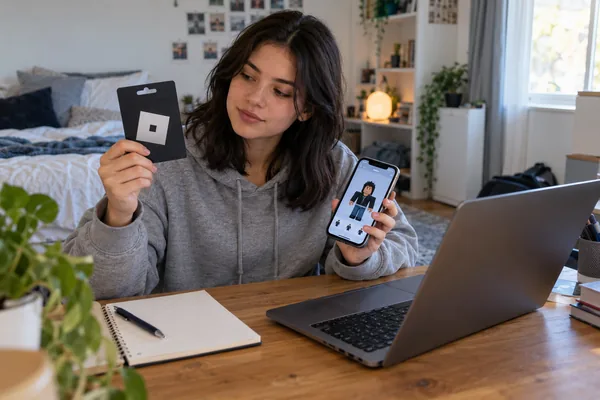
That means every real method fits into five groups. The table below shows what each one gives you.
| Method | What you get |
|---|---|
| Buy Robux | Robux, with up to 25% bonus on web purchases |
| Redeem a gift card | Robux and a free virtual item |
| Sell avatar items | A commission on each sale |
| Build an experience | Robux from passes, products and subscriptions |
| Developer Exchange | Turns earned Robux into real money |
The first two rows cost money, while the last three depend on what you build. Roblox also states that web and computer purchases include up to 25% more Robux, and gift card purchases qualify for the same bonus. You can confirm each point on the official Roblox Help page on ways to get Robux.
Only creators earn Robux without paying, so the next section shows exactly how that works.
How to earn Robux on Roblox as a creator
You earn Robux as a creator when other players buy something you made, such as an avatar item or an extra inside your experience.
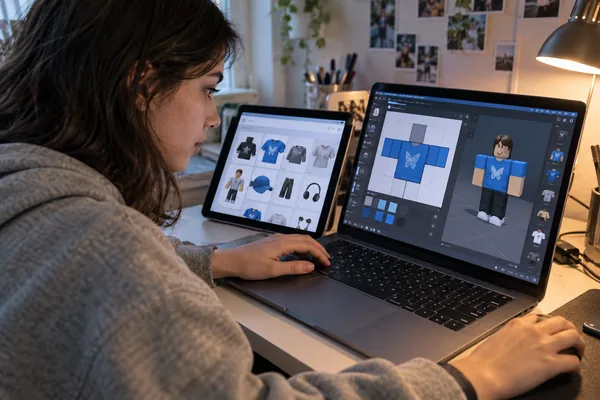
Roblox lists these options in its creator monetization guide, and each one needs real work before it pays. Nobody receives Robux just for logging in or clicking a link.
Sell avatar items
Creators can design accessories and clothes and sell them on the Marketplace. You pay an upload fee, wait for approval, and then receive a commission every time someone buys your item.
Start with something simple, such as a shirt or a hat. Check which items sell well before you spend Robux on the next upload, and give every listing a clear name, a clean preview and a fair price.
Sell passes and developer products
Inside an experience, a pass gives one-time access to a special privilege. A developer product can be bought again and again, for example in-game currency or a potion.
Experiences can also sell subscriptions with monthly benefits and paid private servers. These options work best when your experience already has players, because sales depend on how long people stay and what they enjoy.
Cash out with Developer Exchange
Developer Exchange turns Robux you earned into real money, and it does not work in the other direction. The standard rate is $0.0038 per earned Robux, which comes to $114 for 30,000 Robux.
These requirements come from the Roblox creator documentation on Developer Exchange. If you are younger than 13, focus on learning to build first, because the cash-out route is closed to you for now. Gift cards, covered next, are the simpler path for most players.
How to redeem a Roblox gift card or promo code
Open roblox.com/redeem, enter your code and confirm: a gift card adds Robux, while most promo codes unlock avatar items instead.
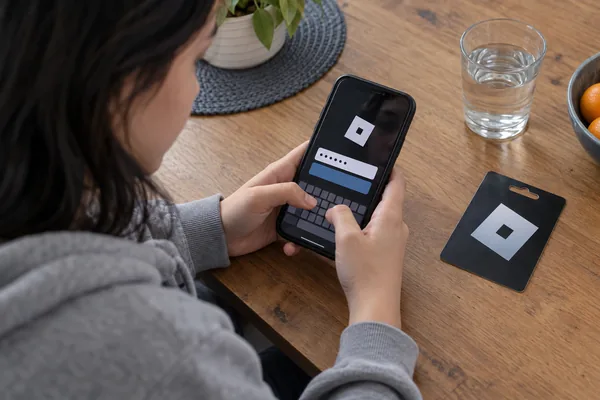
The official page says you can enter a gift card or promo code to get Robux and unlock a free exclusive virtual item. Gaming media that track promo codes add one detail: the codes usually give cosmetics, such as hats or shoulder accessories, and not Robux. Keep your expectations in line with that.
Before you start, keep the code or PIN nearby and make sure you know which account should receive it.
- 1Open the official redeem page by typing roblox.com/redeem in your browser.
- 2Sign in to the account that should receive the Robux or the item.
- 3Enter the code exactly as it appears on the card or in the message.
- 4Select Redeem and wait for the success message.
- 5Check your balance or your inventory to see the Robux or the new item.
If you see an error message, look for typing mistakes and extra spaces first, then confirm the code has not expired. Buy gift cards only from Roblox’s official retailers, because copies sold elsewhere are a common scam.
Microsoft Rewards used to offer Robux gift cards, but Microsoft removed them from its catalog in April and had not restocked them by mid-June, according to Microsoft’s own support forum. Microsoft publishes no restock date, so check the Rewards redeem page before you save points for them.
Open the official Roblox redeem page whenever you have a code ready.
What Roblox Plus adds
Roblox Plus is a paid subscription at $4.99 a month that gives you discounts and perks, but it does not include free Robux.
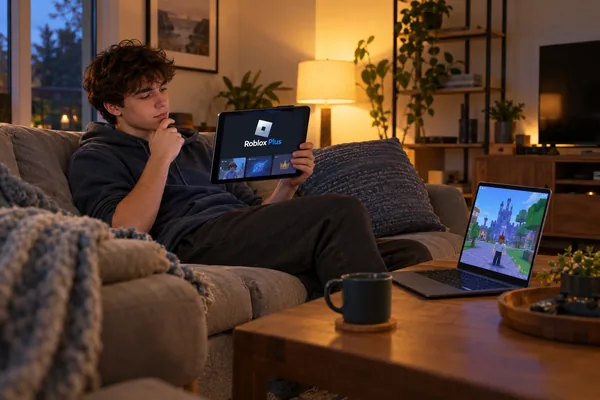
Roblox launched Plus on April 30. Subscribers get an immediate 10% discount on in-game items, avatars and more, and the discount rises to 20% starting in the third consecutive month. The plan also includes free private servers in supported games and fee-free Robux transfers. All of this is described on the Roblox Plus help page.
Roblox also sells bundles called Plus 500, Plus 1000 and Plus 2000. Each one adds 500, 1,000 or 2,000 Robux every month on top of the subscription benefits. Check the current price of each bundle in your account, because it can differ by region.
Plus replaces Premium. Roblox stopped selling new Premium memberships when Plus launched, and current members can keep theirs as long as they keep renewing. The 10% bonus that Premium gave on Robux purchases ended on May 30.
Plus makes sense if you already spend Robux every month, because the discount stretches what you buy. If you rarely spend, it will not save you money. Either way, it is a purchase and never a way to get Robux for free.
Why free Robux offers do not work
Roblox is direct about this: it says any offer of free Robux, subscriptions or valuable items is a scam, and that there is no such thing as a Robux generator.
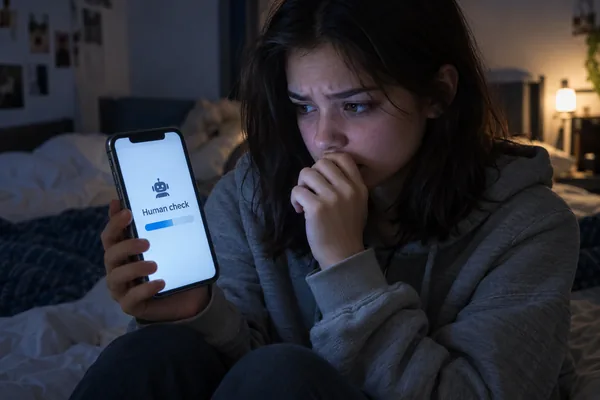
Picture the usual path. A site asks for your username, shows a fake loading bar, and then demands a “human check.” That check is a survey, an app install or a subscription, and the scammer earns a commission while you get nothing. Other versions flood public servers with chat spam or send you to a Discord server where fake staff ask for your login.
The result is not free Robux. It is a stolen account, lost items or a charge you did not plan.
🚫 Warning: never share your password or your 2-step verification code with any site, player or “support” account. Roblox never asks for a password outside its own login page.
Watch for these warning signs before you click anything:
- The offer asks for your password, a download, a survey or a “verification.”
- The page pushes urgency, such as “limited slots” or “act now.”
- The address does not belong to Roblox.
- Someone in a game or on Discord promises Robux in exchange for a link.
If you already entered your details, change your password now and turn on 2-step verification. Then review your email, your transactions and your linked apps, leave suspicious Discord servers, and report the messages with the Report Abuse button. Acting quickly limits the damage.
Frequently asked questions: how to earn Robux on Roblox
These are the questions players ask most often, answered with official information.
Can you get free Robux on Roblox?
No. Roblox says Robux are bought with real money or earned as a creator. Earning takes real work, such as selling avatar items or building an experience that players enjoy.
Do Roblox promo codes give Robux?
Usually not. Promo codes normally unlock avatar items such as hats or accessories. Gift card codes are the ones that add Robux, and both are redeemed at roblox.com/redeem.
Can I use Microsoft Rewards to get Robux?
Only when Microsoft offers the Roblox gift card in its catalog. The cards were removed in April, and Microsoft gives no restock date, so check the redeem page before you count on it.
Is Roblox Plus the same as Premium?
No. Plus is the newer subscription and Premium is no longer sold to new members. The basic Plus plan has no monthly Robux, while the Plus 500, 1000 and 2000 bundles do.
Are Robux generators real?
No. Roblox states that no Robux generator exists and that any site claiming otherwise is a scam. Report it instead of entering your username.
Can I turn Robux into real money?
Only through Developer Exchange, and only with earned Robux. You need at least 30,000 earned Robux, must be 13 or older, and must meet the other program requirements.
Where to check for changes
Roblox updates its rules, prices and programs often, so the safest habit is to confirm details on its own pages before you act.
The Roblox Help Center covers purchases, gift cards and account safety. The Roblox newsroom announces changes such as the launch of Plus. The Creator Hub documentation explains monetization and Developer Exchange for anyone who builds.
This guide is independent and built from those official sources. It points you back to them so you can verify every number yourself, and it gives you the questions to ask when an offer sounds too good to be true.
Your next step
Now you know that Robux come from purchases and creation, so pick the route that matches your situation and skip every shortcut.
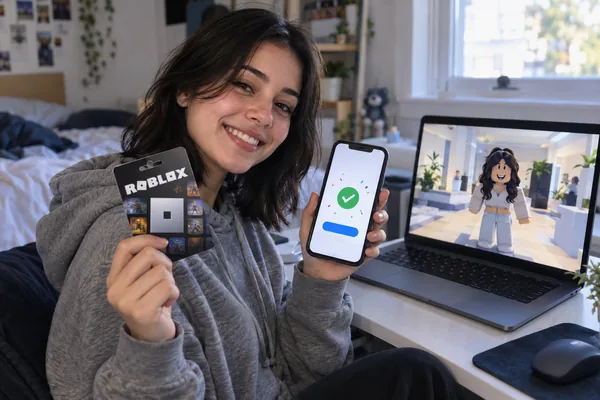
If you have a gift card, redeem it today. If you enjoy making things, start with one avatar item and learn how the Marketplace works. If you spend Robux monthly, compare Plus with your current habits before you subscribe.
Redeem a gift card or promo code
ℹ️ Important: this content is informational and independent. We have no relationship, sponsorship or control over Roblox Corporation or any platform, company or program mentioned. Prices and rules can change, so always confirm them on official Roblox pages.