SA Connect South Africa expands affordable broadband through community Wi-Fi, household links and connected public facilities.
This guide explains what the programme offers, what it does not promise and how to check options in your area.
Use it to compare local connectivity without mistaking information for guaranteed approval or free home internet.
What is SA Connect South Africa?
SA Connect is South Africa’s national broadband programme for expanding reliable and affordable internet access, especially in underserved communities.
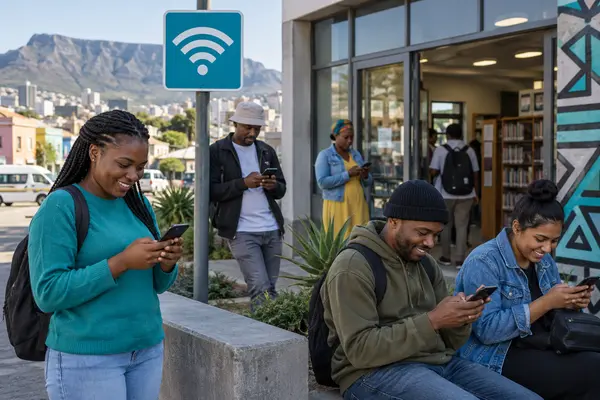
The policy began in 2013. Its first phase concentrated on government facilities, while Phase 2 extended the focus to communities, households and public Wi-Fi. Delivery involves the Department of Communications and Digital Technologies, Broadband Infraco, Sentech and participating local internet service providers.
| Programme component | Practical purpose |
|---|---|
| Community Wi-Fi | Extend shared access into communities |
| Household connectivity | Bring broadband to more homes |
| Public facilities | Connect institutions and service points |
| Provider partnerships | Support last-mile local delivery |
The programme is infrastructure and service delivery, not a single consumer product. That distinction matters when you compare a public hotspot with a paid household connection.
Is SA Connect free?
SA Connect is not automatically free: community hotspots may be free or low-cost, while household services can carry provider charges.
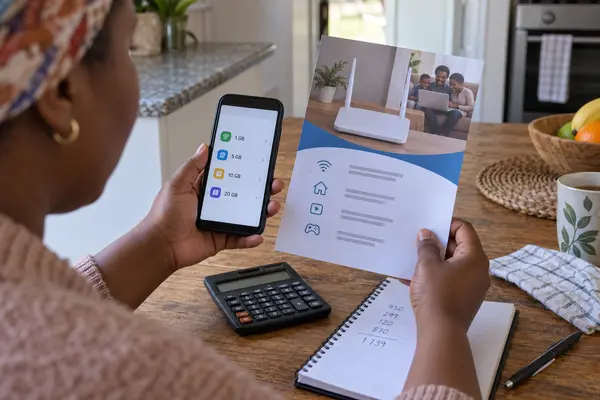
The programme’s central goal is affordable access. A government statement about the Broadband Access Fund described partial subsidies for providers connecting households and community hotspots. It also cited packages from R5 per day in one launch area. That was a specific deployment, not a permanent national price promise.
Ask whether access requires registration, has a daily data allowance, slows after a limit or is restricted to a particular hotspot. For home service, include installation, router, contract and cancellation costs.
A simple monthly comparison prevents a cheap-looking offer from becoming the expensive choice. Estimate how many people and devices will share the connection, then list the tasks that use the most data. Video meetings, software updates and streaming can consume far more than messaging or browsing. A capped mobile bundle may work for one light user but become poor value for a household studying and working online.
Also ask what happens after the advertised allowance is used. Some services stop, some charge for more data and others reduce speed. If a hotspot is free, check its operating hours and whether it is practical to reach safely. Affordability is the total cost of using the connection, including transport and time, not only the price shown on a poster.
Other ways to reduce internet costs
Public Wi-Fi, a suitable home plan and zero-rated public services can each reduce mobile data use in different situations.

Learn where hotspots are commonly available, how to check locally and how to connect safely.
Compare affordable internet options
Compare mobile data, public Wi-Fi, fixed wireless and fibre by total monthly cost.
Understand zero-rated government websites
See how data-free access works, which limits can apply and why external content may still use data.
These resources solve different parts of the same problem. Start with the option that matches your immediate need, then verify availability and terms before relying on it.
Who is SA Connect designed to help?
SA Connect prioritises underserved communities, rural areas, households with poor access and public facilities that need reliable connectivity.
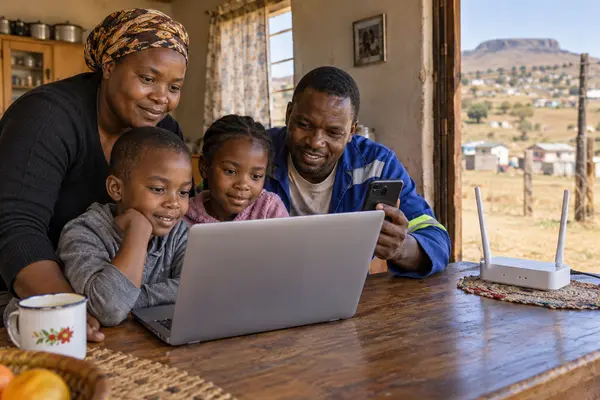
That broad focus does not create one national income threshold for every household. Local projects can use different providers, technologies and enrolment processes. A person may find a community hotspot without receiving a subsidised home connection.
Who may benefit from wider access?
- Residents who depend heavily on mobile data
- Students and jobseekers who need regular online access
- Small businesses in areas with limited broadband
- Communities near participating public facilities or hotspots
Availability depends on the actual rollout. Your province alone cannot confirm that a service reaches your address.
How to check SA Connect availability
There is no single national household benefit form; check the programme, municipality and provider serving your community.
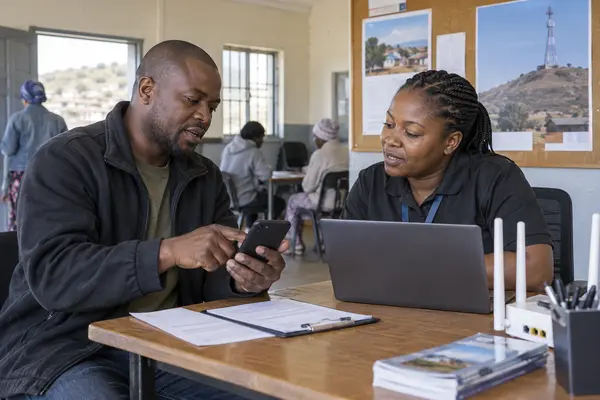
- Review official SA Connect information.
Start with the Department of Communications and Digital Technologies to understand the programme and current announcements. - Check municipal resources.
Look for notices about public Wi-Fi at libraries, clinics, community centres and other public sites. - Identify the local provider.
Ask which ISP operates the hotspot or household network and confirm its genuine contact details. - Confirm the service type.
Find out whether it is public Wi-Fi, fixed wireless, fibre or another household option. - Verify costs and limits.
Ask about installation, equipment, monthly charges, speed, data caps and fair-use conditions before paying.
If no SA Connect service is listed, compare municipal Wi-Fi and commercial fixed-wireless options rather than submitting personal details to an unverified form.
SA Connect coverage, hotspots and speed
Coverage is expanding, but national totals do not prove that a hotspot or home connection is available at a particular address.
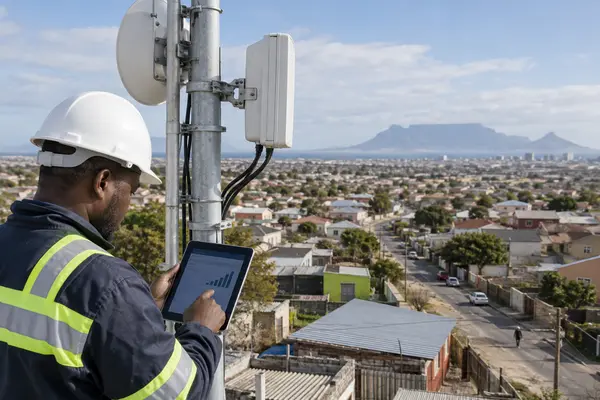
Official pages and planning documents can report progress at different points in the rollout. For that reason, treat a target, a deployed-site count and an estimated household reach as different measurements. Always note the source and publication date before repeating a figure.
The DCDT programme description has used a baseline of 5 Mbps for households and 10 Mbps for government facilities. These are programme targets, not a guarantee that every user will receive a constant speed. Distance, network congestion, device quality and local infrastructure can affect performance.
For practical use, ask whether the connection can support the task you need. Messaging and forms use less bandwidth than video classes, large downloads or multiple devices at home.
You can test a connection at different times of day before depending on it for important work. Record the download speed, upload speed and stability during a video call. If several family members share the service, repeat the test while more than one device is active. This gives you a more useful picture than a single maximum-speed claim.
How to avoid SA Connect scams
Verify the programme and provider before sharing personal information or making a payment.
Scammers can borrow the language of public programmes. A message may claim that your free internet is ready, ask for an activation payment or request banking credentials. SA Connect is not a national free-phone offer and does not use one universal approval form for every resident.
- Check that government information uses a genuine .gov.za domain.
- Confirm the ISP through its official contact channel.
- Never share a banking PIN, one-time password or full card details.
- Do not pay an individual to “unlock” public Wi-Fi.
- Read fair-use and contract conditions before accepting a service.
Frequently asked questions about SA Connect
These short answers clarify the questions most likely to affect your next step.
Can I get SA Connect at home?
Possibly, if a participating household service reaches your community. Confirm the local provider, address coverage, charges and equipment requirements.
Does SA Connect provide free Wi-Fi?
Some community hotspots may provide free or low-cost access. The programme should not be described as free internet for every household.
Do I need to apply?
There is no single national application for all residents. A local provider may require registration for a specific service.
How fast is SA Connect?
The programme has described baseline targets, but actual performance varies by technology, location, congestion and device.
Does SA Connect give free phones?
No official material reviewed for this guide describes SA Connect as a national free-smartphone programme.
Where should I verify programme information?
Use the Department of Communications and Digital Technologies and confirm service details with the provider operating in your area.
Start by checking local connectivity, then compare the full cost and conditions of the option that suits your routine.
Verify SA Connect on the DCDT website →